
10 AI Tools for Optimizing Furniture Layout 2024
AI is revolutionizing furniture layout design in 2024. Here are the top 10 tools:
- HOMEE AI: 3D room scanning, AI-suggested layouts
- InstantDecoAI: Quick room transformations
- AI Room Planner: Free 3D modeling with 16 design styles
- Palette CAD with Metaroom: Pro-level 3D scanning and planning
- Sketchup with Metaroom: 3D modeling from room scans
- Foyr Neo: Web-based design with AI assistance
- Coohom: Easy-to-use with massive 3D model library
- SmartDraw: User-friendly 2D diagrams and floor plans
- Floor Planner: 2D/3D designs with 260,000+ free models
- Homestyler: One-click room furnishing with AR mode
Quick Comparison:
| Tool | Key Feature | Price | Best For |
|---|---|---|---|
| HOMEE AI | Text-to-design | $12-21/mo | All users |
| InstantDecoAI | 10-second renders | $15/mo | Quick visualizations |
| AI Room Planner | Free basic tool | Free | Beginners |
| Palette CAD | Pro 3D modeling | Custom | Professionals |
| Sketchup | Extensive library | $299/year | Detailed 3D work |
| Foyr Neo | Fast cloud rendering | $49/mo | Agencies |
| Coohom | Free 2D/3D plans | Free-$29.99/mo | Budget-conscious |
| SmartDraw | Easy templates | $9.95/mo | Quick 2D layouts |
| Floor Planner | Multi-floor support | Free-$5/mo | Building designs |
| Homestyler | AR visualization | $5-9.9/mo | Realistic previews |
These AI tools cut design time by 20% and boost productivity by 15%. They're changing the game for both pros and DIYers. Try a few to find what works for you – many offer free trials or basic plans.
Related video from YouTube
HOMEE AI: The AI Spatial Designer

HOMEE AI, unveiled at CES 2024, is shaking up furniture layout and room design. Here's what it does:
- Scans rooms in 3D using your smartphone
- Suggests furniture layouts with AI
- Lets you drag and drop furniture in 3D
- Personalizes designs based on your style and budget
At its core is H.O.P.E. (HOMEE Optimal Planning Engine). It's like having a digital interior designer in your pocket.
Kenny Du, HOMEE AI's CEO, says:
"Today's home furnishing industry is stuck in the '80s. We're making furnishing homes easier and more fun."
Want to try HOMEE AI? Here's what you get:
| Feature | Free | Paid ($5+/month) |
|---|---|---|
| AI Designer | Basic | Advanced |
| Renders | Watermarked | No watermark |
| Floor Plans | Limited | Full access |
| Virtual Tours | No | Yes |
| 3D Designs | Basic | Advanced |
HOMEE AI isn't just for homeowners. It's also a game-changer for furniture makers and designers, offering cloud-based AI software-as-a-service.
2. InstantDecoAI
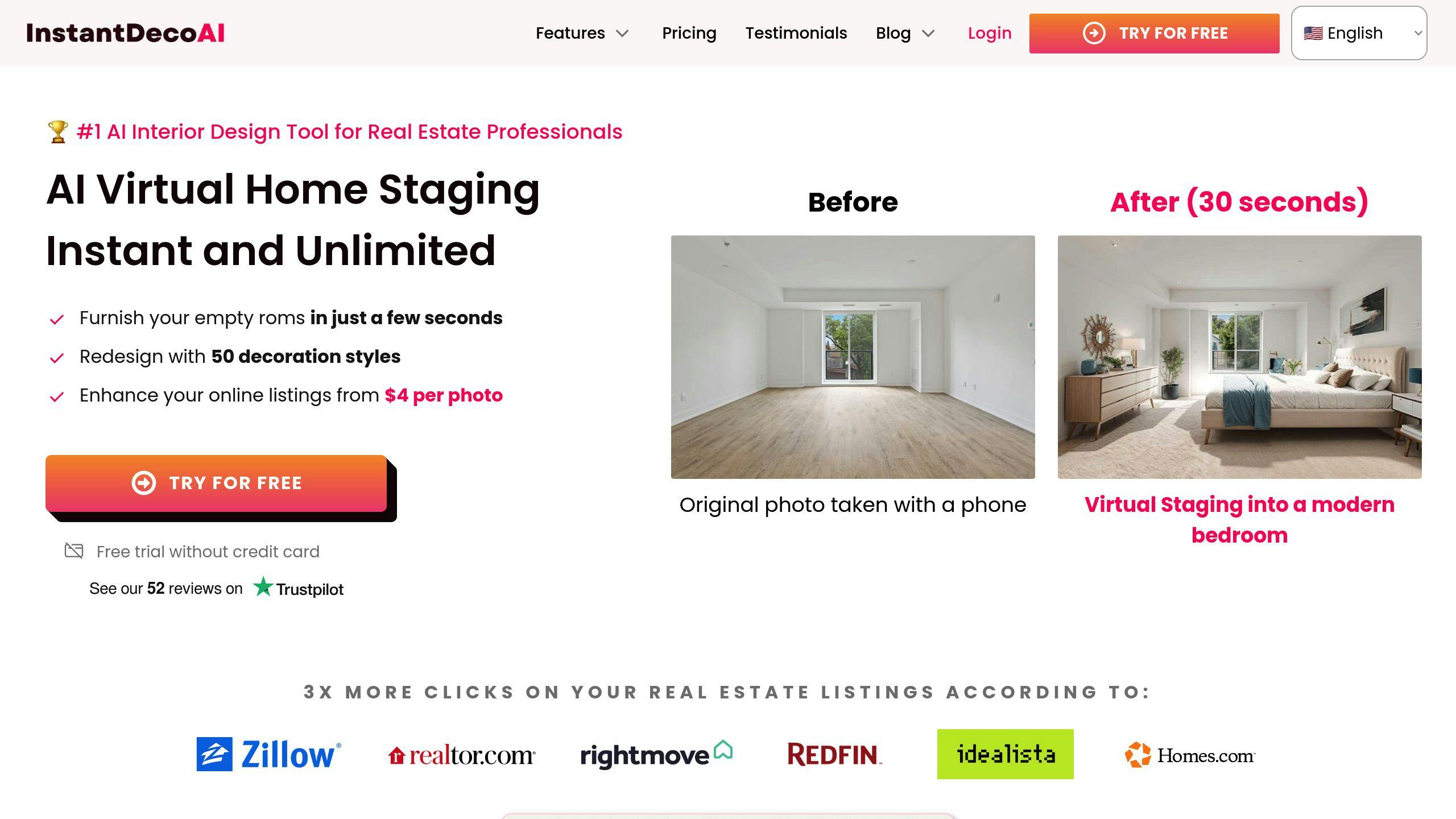
InstantDecoAI is an AI tool that makes furniture layouts a breeze. It's perfect for real estate pros and homeowners who want to spruce up their spaces without breaking a sweat.
Here's the lowdown:
- The AI checks out your room photos
- It figures out where to put furniture
- You pick your style
- Boom! Your space is transformed in seconds
InstantDecoAI has three tricks up its sleeve:
1. Transformation Mode
Empty room? No problem. This mode fills it up.
2. Renovation Mode
Want new walls and ceilings? You got it. (Windows stay put, though.)
3. Decoration Mode
Already furnished? This mode gives your space a fresh look.
Want the best results? Here's how:
- Take bright, wide-angle shots
- Use the retouching tool for big color changes
- Tackle one room at a time
Real estate agents, listen up! This tool is your new best friend. Why? Because 90% of home hunters start online, and 97% say photos are the big deal. InstantDecoAI can make your listings pop.
| What It Does | Why It's Great |
|---|---|
| Virtual Staging | Cheaper than the real deal |
| Multiple Designs | Show off different looks |
| Quick Results | Seconds, not weeks |
| Easy Access | Use it anywhere |
Price-wise, similar tools start around $39 a month. That's pocket change compared to traditional staging costs.
3. AI Room Planner

AI Room Planner turns room design into a breeze. Here's what it does:
- Transforms photos into 3D models with layout suggestions
- Offers 16 design styles, from modern to Cyberpunk
- Works for any room, even tricky spaces
- Free during beta, no strings attached
Quick comparison:
| Feature | AI Room Planner |
|---|---|
| Cost | Free (beta) |
| Design Styles | 16 |
| Room Types | All (including outdoor) |
| 3D Modeling | Yes |
| Cloud-Based | Yes |
| User Account | Google account |
How to use:
- Upload a room photo
- Pick a style
- Let AI do its thing
- Save your favorites
"AI Room Planner helps users explore designs and avoid costly mistakes", says the dev team.
It's great for homeowners, renters, and real estate agents. Visualize changes without lifting a finger.
4. Palette CAD with Metaroom
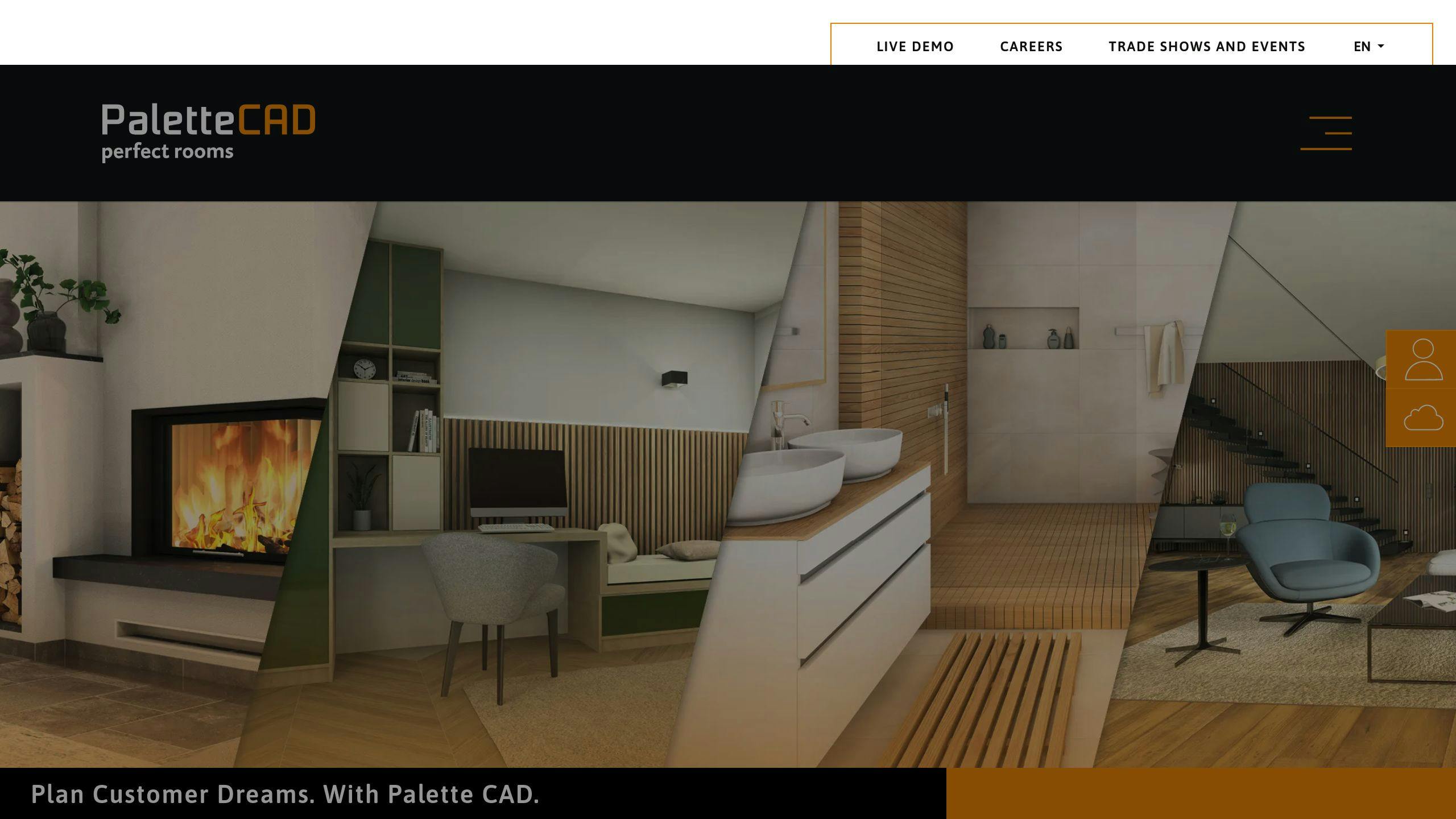
Palette CAD's Metaroom integration is a game-changer for interior designers. It lets you scan rooms with an iPhone Pro or iPad Pro, then jump straight into 3D planning.
Here's why it's cool:
- Scan a 500 m² floor in 15 minutes
- AI spots windows, doors, and furniture
- Cuts 3D modeling time by 90%
Dirk Böckstiegel from Palette CAD AG says:
"The interaction between Metaroom and Palette CAD shows how software can adapt to users today."
How it works:
- Scan with Metaroom® on your Apple device
- Upload to the cloud
- Design in Palette CAD
| What It Does | Why It's Great |
|---|---|
| 3D scans in real-time | No manual measurements needed |
| Cloud processing | Quick 3D model turnaround |
| Works with Palette CAD | Start designing right away |
Palette CAD isn't just for interiors. It's also great for:
- Furniture production
- Bathroom planning
- Stove design
With 27,000 licenses and 30 years in the game, Palette CAD knows its stuff. Add Metaroom, and you've got a powerhouse for nailing furniture layouts in 2024.
5. Sketchup with Metaroom

SketchUp and Metaroom team up to supercharge furniture layout design. This combo turns room scans into 3D models in SketchUp, fast.
Here's the process:
- Scan rooms with Metaroom app
- Touch up scans in Metaroom Studio
- Export 3D model to SketchUp
- Design away in SketchUp
The big win? Time. Manual 3D modeling eats hours. Metaroom scans let you dive straight into design.
SketchUp users often hunt for the right furniture models. Metaroom lets you tweak scanned furniture before exporting. You start with real-world objects in your designs.
| Feature | Benefit |
|---|---|
| 3D room scans | Quick, accurate models |
| Furniture editing | Custom pieces, no modeling |
| Multiple exports | Works with SketchUp, ReluxDesktop |
| Cloud sync | Designs always current |
SketchUp's AI image search for 3D models is getting better. But Metaroom fills the gap now with ready-to-use real-world scans.
"SU and Layout, plus my rendering software, let me show clients a peek into their future outdoor spaces." - SketchUp User
Tips for using Metaroom scans in SketchUp:
- Use white backgrounds for clearer scans
- Make sure products are fully visible
- Crop images to focus on key items
SketchUp costs $119/year. Metaroom Studio plans start at €14.99/month. Both offer cloud and on-premise options, with support via email, phone, and knowledge bases.
sbb-itb-cdfec70
6. Foyr Neo
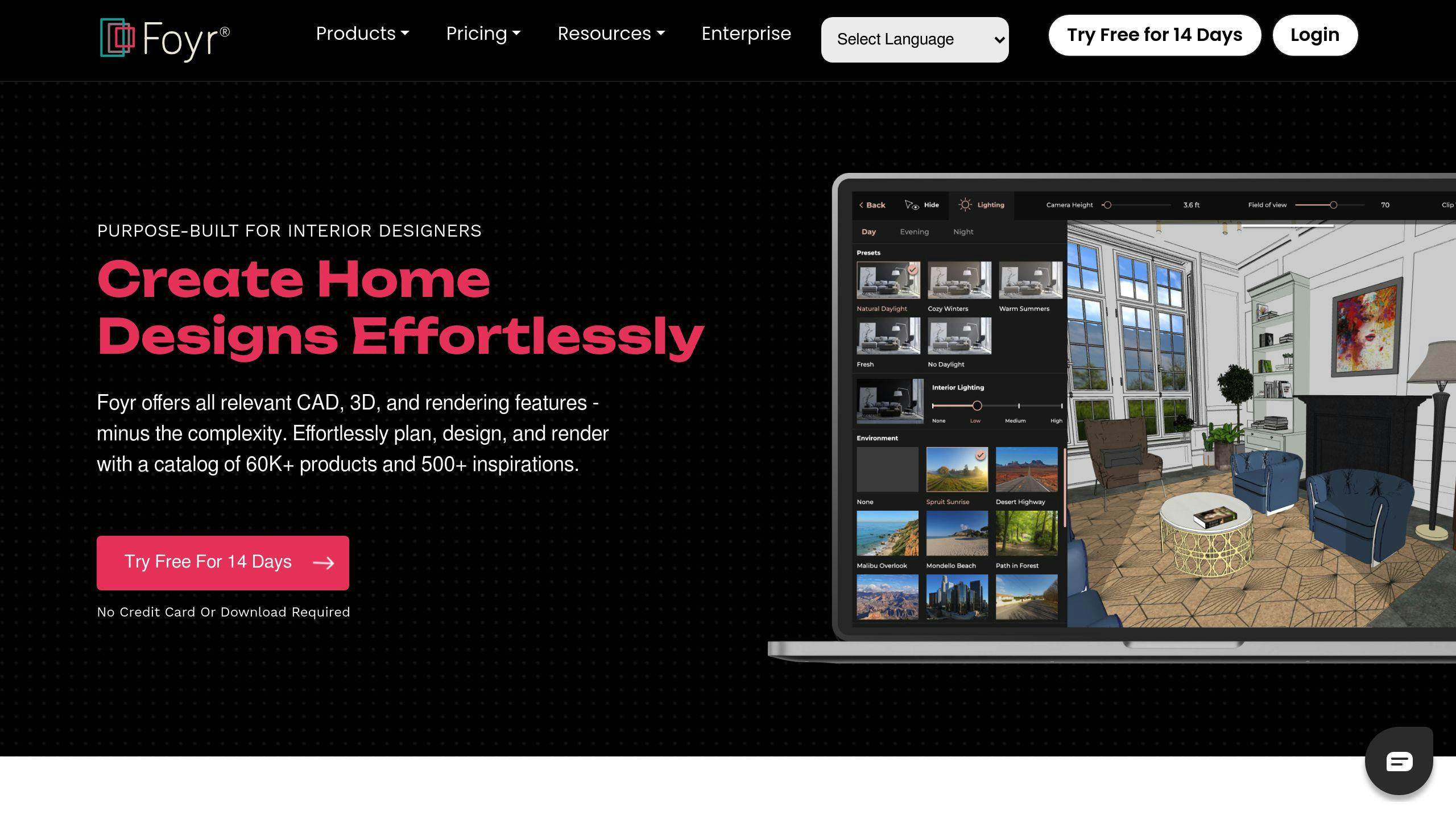
Foyr Neo is a web-based interior design tool that's all about making design easier. It works for solo designers, growing agencies, and big companies, handling both homes and commercial spaces.
Here's what makes Foyr Neo stand out:
- It's browser-based. No need to install anything.
- Quick 3D rendering and virtual walkthroughs
- AI helps arrange things automatically
- Huge library of 3D models and pre-built items
- Real-time teamwork through the cloud
Designers can create floor plans, design in 3D, and switch views easily. If you get stuck, there's an AI assistant and 24/7 chat support.
| Plan | Monthly Price | Renders |
|---|---|---|
| Basic | $39 | 60 |
| Standard | $49 | 135 |
| Premium | $92 | 240 |
| Enterprise | $349 | Custom |
Want to try it? There's a 14-day free trial. No credit card needed, no download required.
Designers are loving it:
"Foyr has changed my business. I can create realistic 3D images and walkthroughs fast. Clients make decisions quicker, and it's easier to make changes. My business is growing, and clients are happier." - Kristy Begin Patterson, Interior Designer
It's great for quick projects too:
"I made my first design in just 30 minutes with Foyr Neo. It's easy to use and perfect when I'm busy." - Eric Dillman, Pittsburgh Interior Designer
Tips for using Foyr Neo:
- Group related objects at the start
- Check your designs from different angles and lighting
- Use AR to test materials in real spaces
Foyr Neo is fast, easy to use, and packed with features. It's definitely one to watch in the AI furniture layout world for 2024.
7. Coohom

Coohom is an AI-powered room planning and interior design tool that packs a punch. It's got a bunch of features that make it stand out from the crowd.
First off, it's super easy to use. Even if you're new to this stuff, you can whip up visual designs in no time. Plus, Coohom's got a massive library of 3D models and design ideas to play with.
Here's what Coohom brings to the table:
- 3D floor plans
- Realistic renders
- Virtual tours
- AI design help
The AI's pretty smart. It'll suggest items that go well with your picks and can spit out multiple design options in a flash. Want to try different layouts? No sweat.
Coohom's got free and paid plans:
| Plan | Price | What you get |
|---|---|---|
| Free | $0 | Most features |
| Premium | $29.99/month or $299/year | Everything, no limits, more uploads |
You can test drive it for 7 days without pulling out your credit card.
The rendering is where Coohom really shines. You can create top-notch visuals with different lighting and materials, up to 16K resolution. Perfect for wowing clients with your design ideas.
There's also a community aspect. Share your designs, get feedback, and steal ideas from other users. It's a great way to level up your design game.
Now, Coohom might not have all the bells and whistles of pro design software. But for most folks, including design enthusiasts and those needing quick visuals, it's more than enough.
Pro tip: Play around with different styles and layouts. The AI might surprise you with combos you hadn't thought of. Who knows? You might stumble onto your next big design idea.
8. SmartDraw Interior Design Software
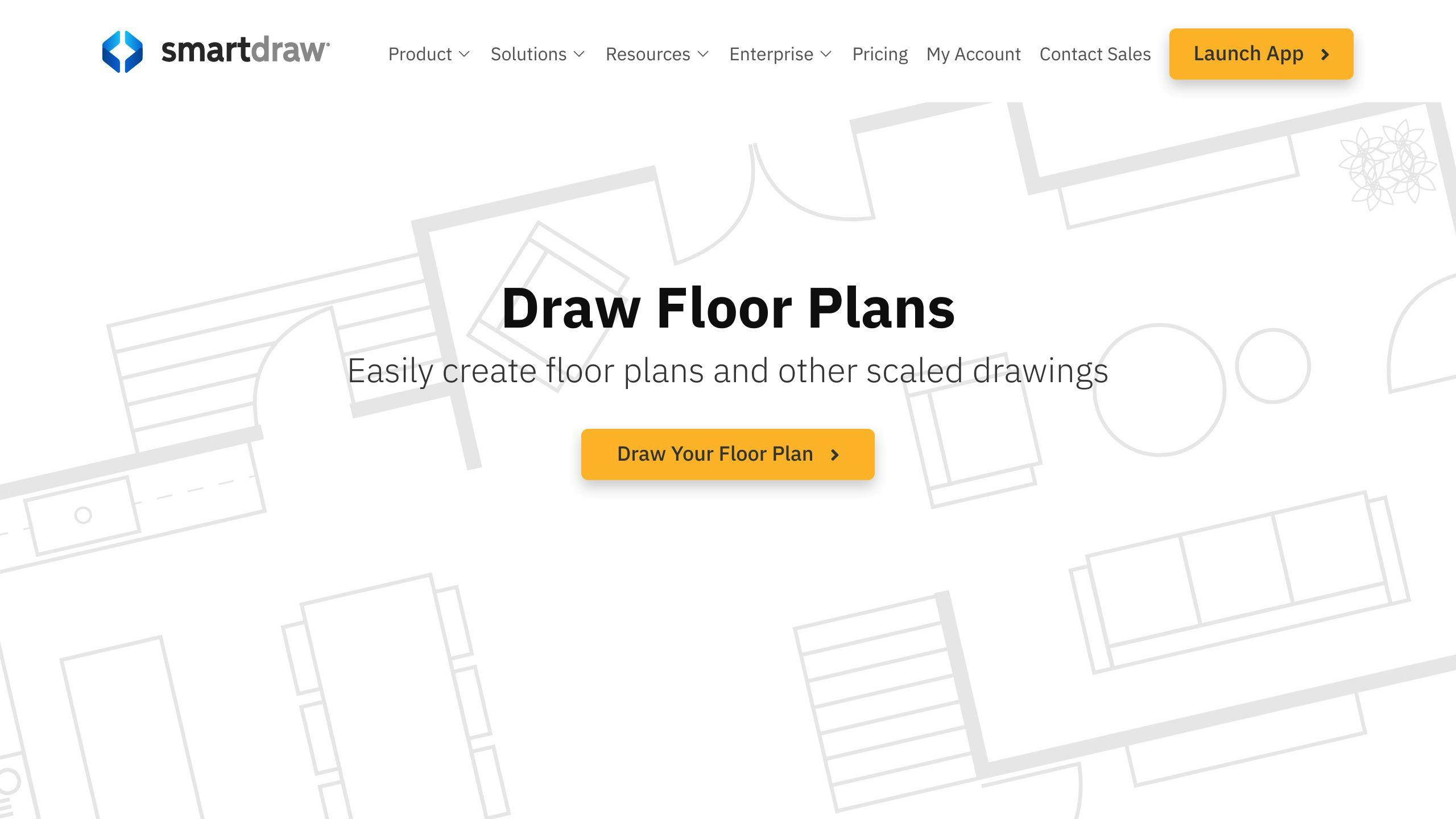
SmartDraw is a user-friendly tool for creating interior layouts. It's perfect for both pros and newbies who want to make good-looking floor plans without a headache.
What's cool about SmartDraw:
- Drag-and-drop interface
- Ready-to-use templates
- Tons of furniture and decor symbols
- 2D diagrams and floor plans
- Team collaboration features
SmartDraw is your go-to for quick, pro-looking diagrams. Need to sketch a room or show a client your idea? This is your tool.
It's not just for Windows anymore. You can use it on the web, iOS, and Android. Design on the go? No problem.
Here's what SmartDraw offers different users:
| User Type | What You Get |
|---|---|
| Newbies | Easy interface, templates |
| Pro Designers | Custom elements, big symbol library |
| Teams | Work together in real-time, easy sharing |
SmartDraw is great for 2D, but it's not your 3D powerhouse. If you need quick, sharp floor plans, though, it's tough to beat.
Prices start at $9.99 per week, with options for different needs. Solo designer or big team? There's likely a plan for you.
Bottom line: SmartDraw is perfect for fast, efficient interior layouts. It might not have all the 3D bells and whistles, but for many, it's just right.
9. Floor Planner
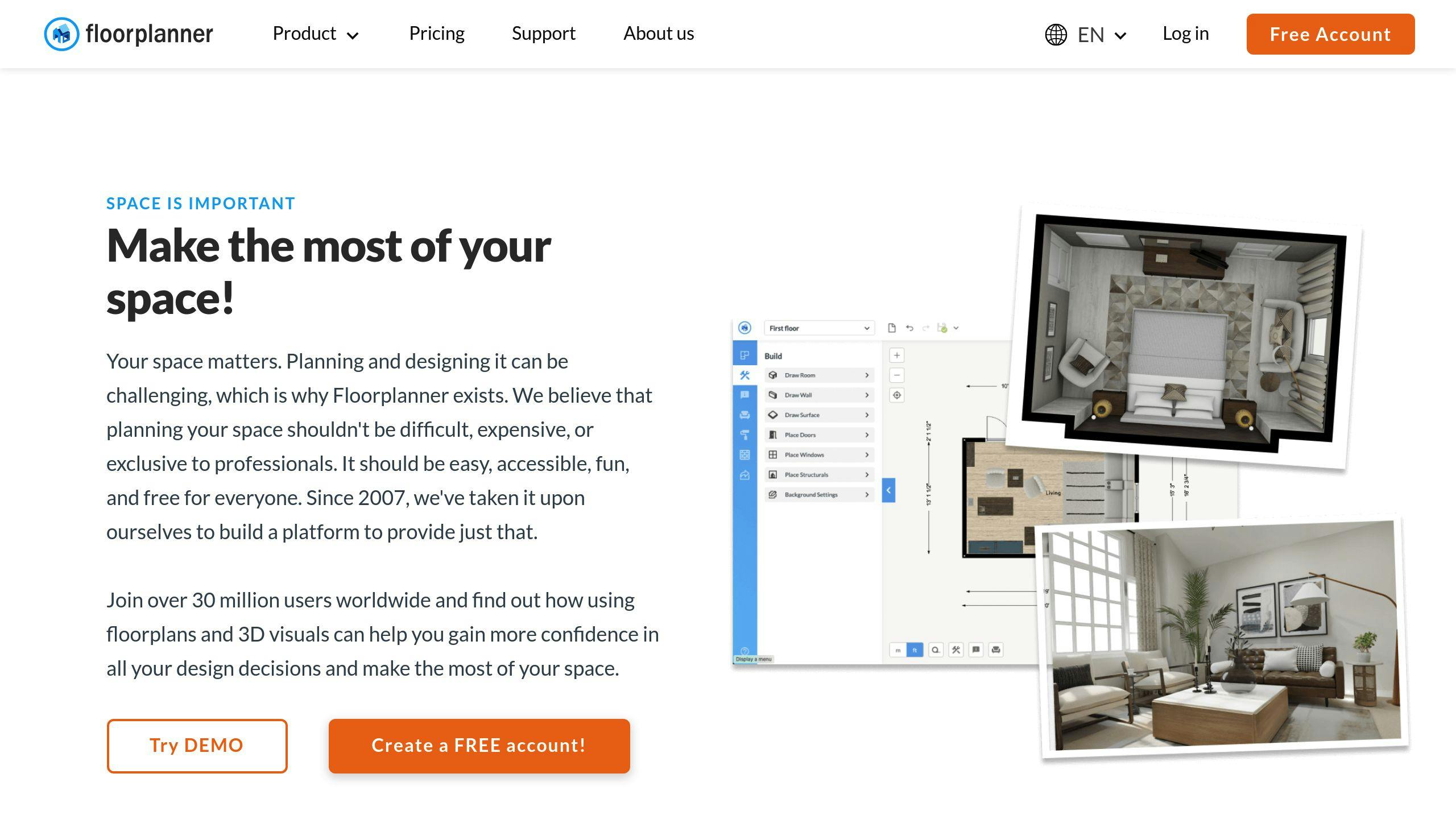
Floor Planner is an online tool for creating 2D and 3D floor plans. It's easy to use but packs enough features for pros.
Here's what makes it cool:
- 260,000+ free 3D models
- Room Wizard for quick setup
- Multi-floor designs
- Photo-realistic renders and virtual tours
You can start from scratch or use existing blueprints. Just drag and drop furniture where you want it.
For bigger projects, Floor Planner offers:
| Feature | What it does |
|---|---|
| Multi-floor support | Design whole buildings |
| Customizable elements | Change walls, ceilings, floors |
| 2D to 3D conversion | Turn 2D into 3D automatically |
| Cloud rendering | Get high-quality visuals without a beefy PC |
Since 2007, Floor Planner has grown to 30 million users and 50 million projects.
The basic version is free, but you can pay for more:
- PLUS: For regular users, with a favorites list
- PRO: For professionals, with branding and project management
Pro tip: Measure your space before you start. Get those wall dimensions, window spots, and door locations right.
In 2024, Floor Planner is a top pick for anyone wanting to nail their furniture layout.
10. Homestyler
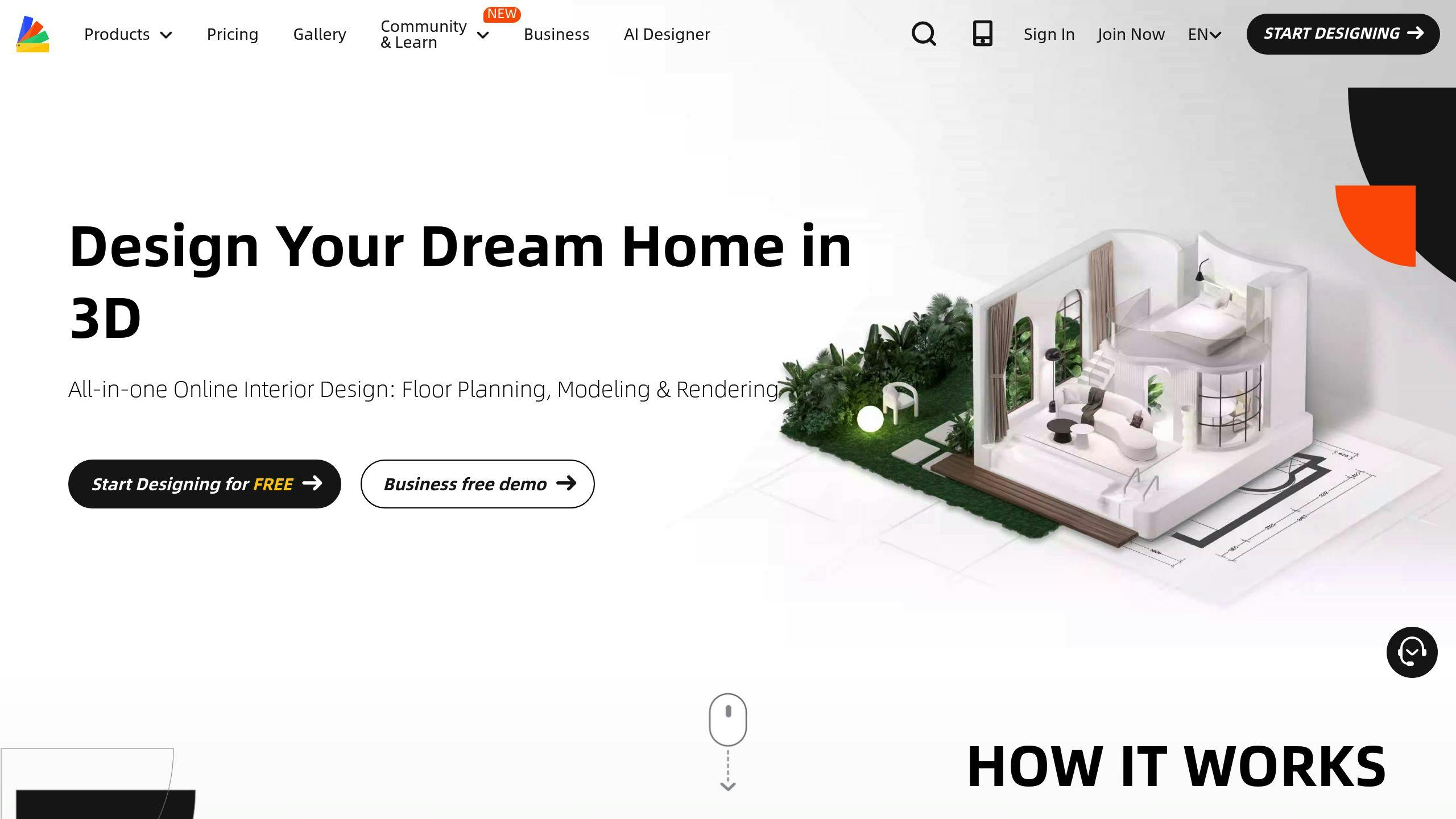
Homestyler is a 3D interior design platform that's making waves in 2024. It's perfect for pros and homeowners who want to nail their furniture layout.
Here's what makes Homestyler stand out:
- It turns 2D sketches into 3D rooms automatically
- One click and BAM! Your room is furnished based on your style
- Over 500,000 3D/2D models to play with
- Cloud rendering for killer visuals without melting your computer
- Tweak materials and lighting to your heart's content
Homestyler's interface? It's a breeze. You get:
| Feature | What it does |
|---|---|
| Drag-and-drop | Move furniture around like it's weightless |
| Real catalogs | Shop actual furniture in the app |
| AR mode | Scan your space and see the makeover in real-time |
| Community | Share your designs and get inspired by others |
Want to test the waters? There's a free Basic plan. If you're ready to dive in, Pro features start at $4.9/month, and unlimited 4K rendering is $9.9/month.
People are loving it:
"Homestyler nailed it for my apartment visualization. The panoramic and 720-degree views? Chef's kiss." - INES GD DESIGN, France Home Designer
In 2024, Homestyler's AI is the real MVP. The AI Designer feature can transform entire rooms with ONE CLICK. It's like having an interior designer in your pocket.
Newbie? No problem. Homestyler's got your back with:
- Design hints in casual mode
- A pro mode when you're ready to level up
- Tutorials and videos in multiple languages
Homestyler keeps evolving, making it a top pick for anyone looking to master their furniture layout game in 2024.
Tool Comparison
Let's look at the top AI furniture layout tools for 2024:
| Tool | Features | Price | Rating |
|---|---|---|---|
| HOMEE AI | Text-to-design, style fusion | $12/mo (Standard), $21/mo (Pro) | 4.5/5 |
| InstantDecoAI | Fast rendering, unique styles | $15/mo | 4.3/5 |
| AI Room Planner | Basic customization | Free | 3.8/5 |
| Palette CAD with Metaroom | Pro-grade, 3D modeling | Custom | 4.7/5 |
| Sketchup with Metaroom | 3D modeling, big library | $299/year | 4.6/5 |
| Foyr Neo | Cloud-based, fast rendering | $49/mo | 4.4/5 |
| Coohom | Free 2D/3D plans, 4K renders | Free | 4.2/5 |
| SmartDraw | Easy-to-use, templates | $9.95/mo | 4.1/5 |
| Floor Planner | Simple interface | Free basic, $5/mo Pro | 4.0/5 |
| Homestyler | All-in-one, AR mode | $5/mo (Basic), $9.9/mo (Pro) | 4.5/5 |
HOMEE AI's text-to-design feature is a game-changer. Describe your dream room, and boom - AI-generated layouts. Their Pro plan? 5,000 renders for $21/month. Not bad.
InstantDecoAI is FAST. We're talking 10-second renders. Perfect for the "I need it yesterday" crowd.
On a budget? AI Room Planner is free. It's basic, but hey, it's a start.
Foyr Neo is the pro's choice. Cloud-based, fast renders, $49/month. Architects and designers love it.
Homestyler? It's got range. AR mode, user-friendly, and starts at $5/month for watermark-free renders. Amateurs and pros alike dig it.
"Homestyler nailed it for my apartment visualization. The panoramic and 720-degree views? Chef's kiss." - INES GD DESIGN, France Home Designer
Choosing your tool? Think about what you need:
- Pro features? Go for Palette CAD or Sketchup with Metaroom. They're pricey but powerful.
- Casual user? Try Coohom or Floor Planner. They're free and decent.
- Want a middle ground? Homestyler or InstantDecoAI offer good bang for your buck.
Wrap-up
AI is shaking up furniture layout planning. It's making things quicker and easier for everyone - pros and DIYers alike.
Here's the scoop:
- AI cuts design time by 20% and boosts productivity by 15%
- 65% of interior designers now use AI tools
- These tools help with space planning, colors, and even energy efficiency
But it's not just about speed. AI opens new doors:
- It can create designs from text descriptions
- Some tools offer AR views to see furniture in real spaces
- AI can come up with layouts humans might miss
What's next?
As AI gets smarter, we'll likely see:
- More personalized designs
- Better smart home integration
- Improved sustainability features
The bottom line? Start exploring these AI tools. Many offer free trials or basic plans. Try a few to find what works for you.
Just remember: AI is a tool, not a replacement for human creativity. The best results come from mixing AI efficiency with human insight.
"AI in design isn't about replacing designers. It's about giving them superpowers", says Emily Chen, Lead Designer at TechHome Interiors.
As we head into 2024, the line between AI and human design will keep blurring. It's an exciting time for anyone who loves creating great spaces.